Scan. Order.
Straight to the kitchen.

Every table gets its own QR code. Guests open your menu, order from their seat, and the ticket lands in the kitchen with the table number on it.

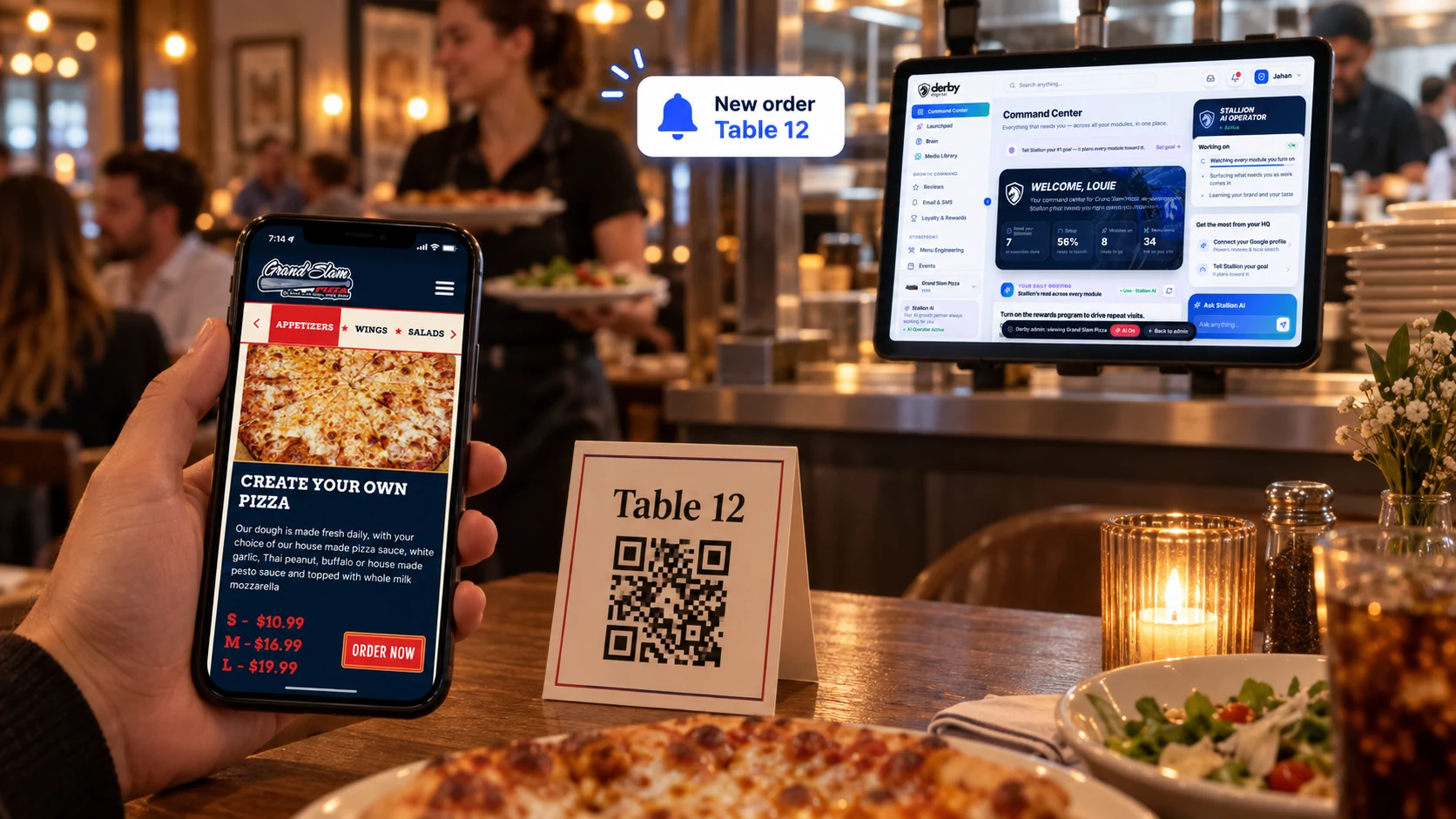
A guest ordering from a Table 12 QR code on their phone, with a new order alert and DerbyFlow on a tablet behind the counter
  • No app to downloadGuests scan with their phone camera and your menu opens. That’s it.
  • The kitchen knows the tableEvery ticket arrives marked with its table, on the same board as your other orders.
  • Staff free to hostLess time running orders back and forth, more time looking after the room.
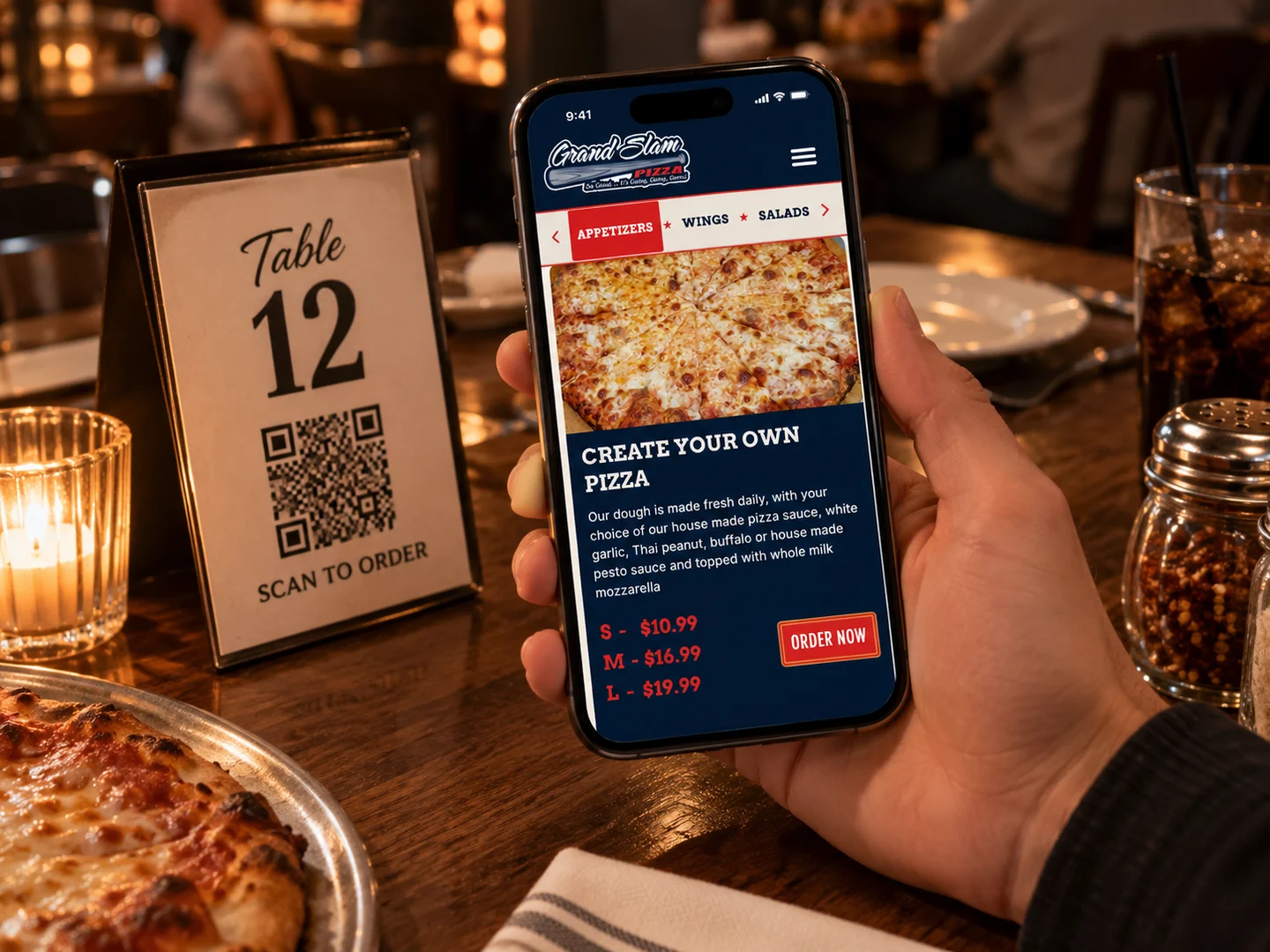
A guest at a table holding their phone over a Table 12 QR code, ordering from the restaurant’s menu

Your whole menu, one scan away.

A full menu with photos, not a PDF guests have to pinch and zoom.

  • A QR code for every table
  • Opens your menu in the phone’s browser, no app
  • Photos, sizes, add-ons and special notes
  • The table is set for them, no pickup or delivery to choose
  • Order another round from the same page
  • Your colors, fonts and only your menu
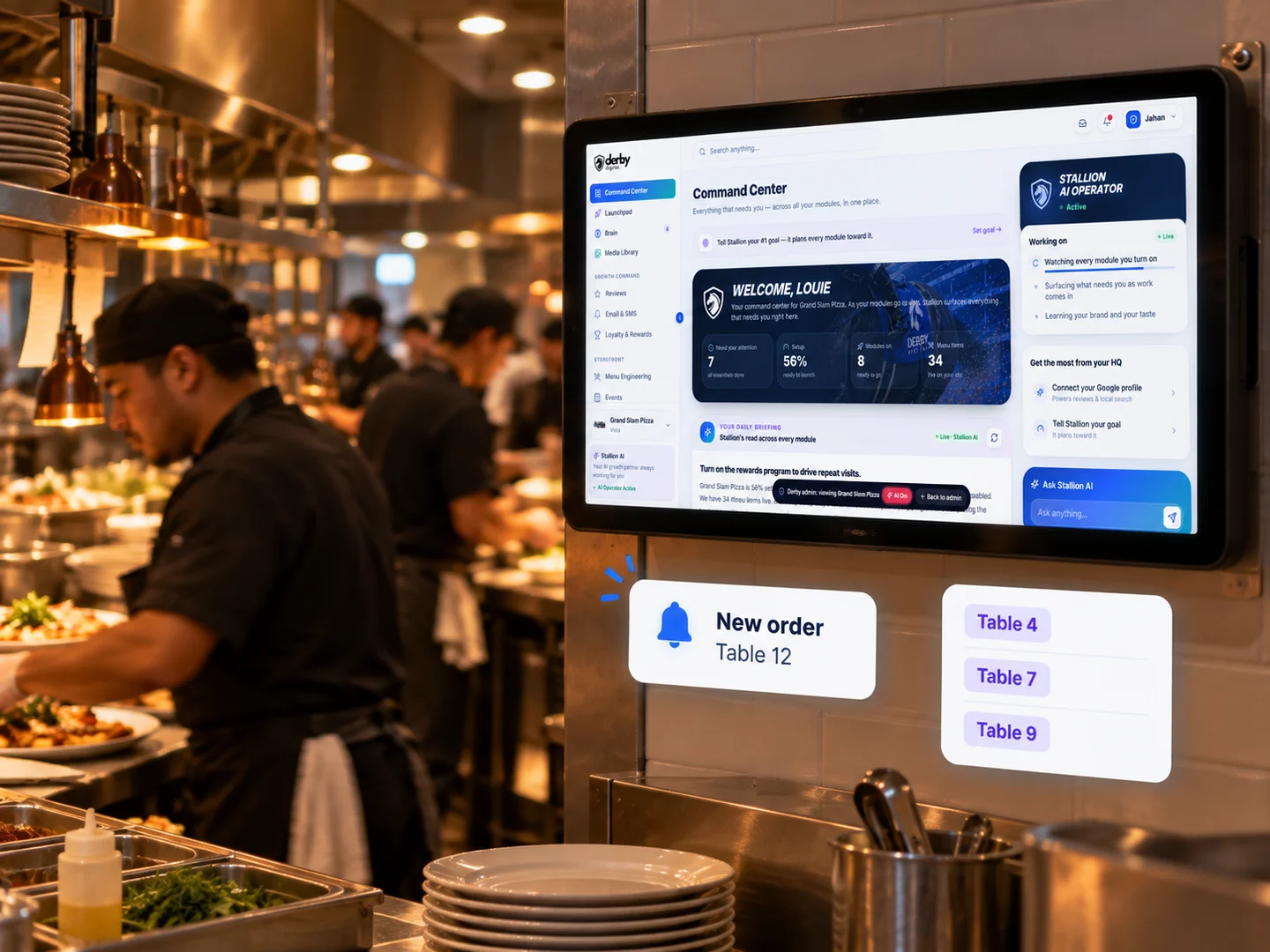
A kitchen line with DerbyFlow on a wall screen and table order alerts for Tables 4, 7, 9 and 12

Every ticket knows its table.

Table orders land on the board next to pickup, so the line runs off one screen.

  • Tickets marked with the table number
  • New, preparing, ready and completed, with timers
  • Full-screen kitchen mode for the line
  • A chime, a pop-up and an email for every order
  • Hide sold-out items in a tap
  • Busy mode and a pause button for a slammed night
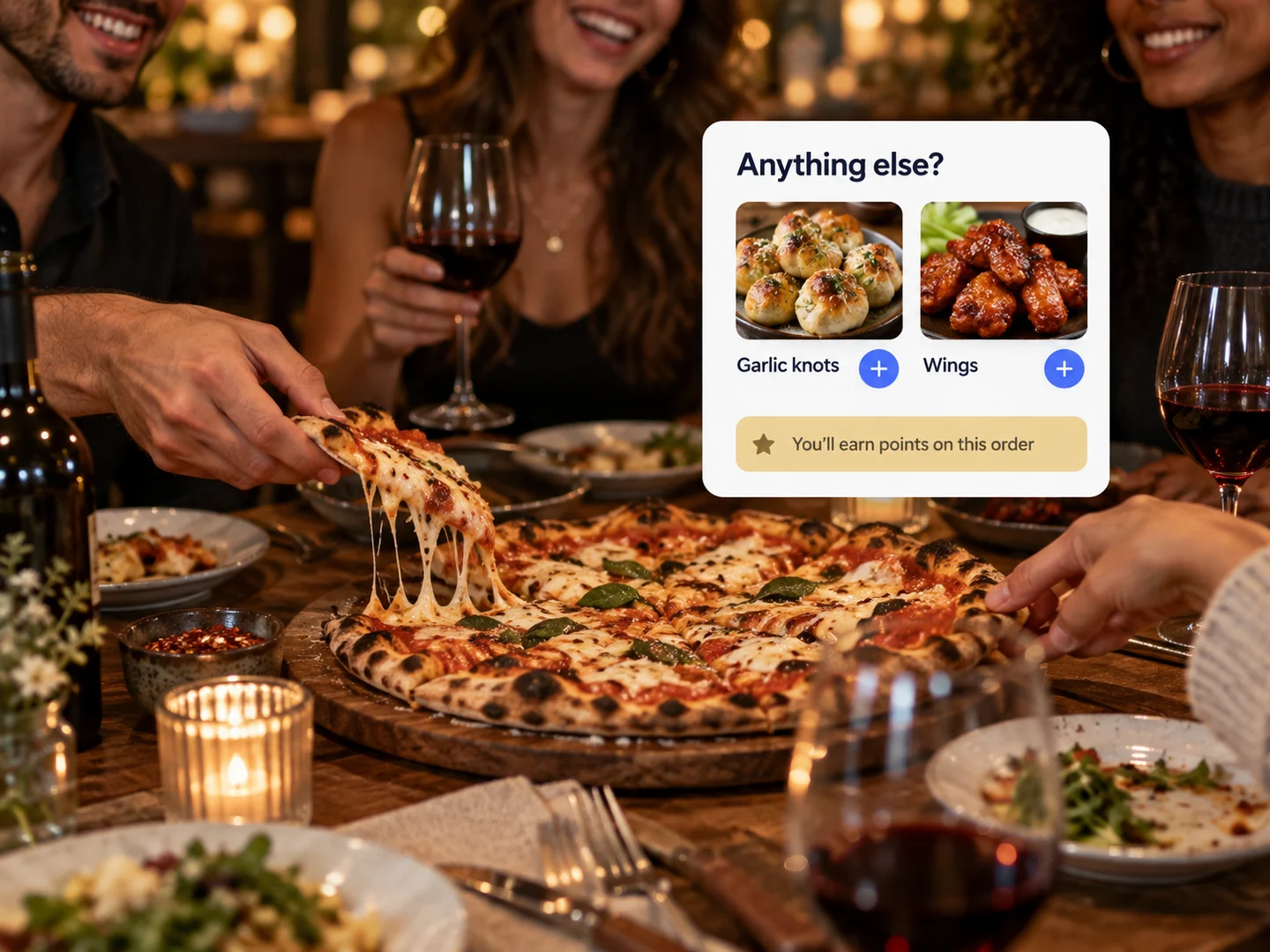
Friends sharing pizza and wine at a table, beside add-on suggestions and loyalty points

Bigger checks, no hard sell.

The order page suggests the extras, so nobody has to push them.

  • “Anything else?” add-ons before they order
  • Promo codes with your own rules
  • Loyalty points on every order
  • Gift card codes accepted at checkout
  • Tips at checkout
  • Every order comes with the guest’s name and number

We set it all up. Your tables start ordering.

  1. We build your menu

    Your items, photos, sizes, add-ons and prices, set up for you.

  2. We make a code for every table

    One QR code per table, ready to print on table tents or stickers.

  3. Your kitchen takes it from there

    Table orders land on the order board and in kitchen mode, marked by table.

Not just a QR menu.

Typical QR menu

  • A PDF guests pinch and zoom
  • Look, then wait for a server
  • Nothing reaches the kitchen
  • No extras suggested
  • A separate tool from your ordering

  • A real menu with photos and add-ons
  • Order right from the table
  • Tickets land on the board, marked by table
  • Add-ons, promos and loyalty points
  • The same system as your online ordering

DerbyFlow

Works with the rest of DerbyFlow.

Questions owners ask.

Do guests need to download an app?

No. They point their phone camera at the QR code and your menu opens in the browser.

How does the kitchen know which table?

Every table has its own QR code. Orders placed from it land on your order board marked with that table number.

How do guests pay?

Guests pay at the restaurant, the same way they do today. There’s no card to enter on their phone.

Can guests order another round?

Yes. They place another order from the same page, and it goes to the kitchen marked with their table.

Does it work with our online ordering?

Yes. It’s the same menu, the same order board and the same system. The table’s code just marks the order as dine-in.

What if we run out of something?

Hide it from the menu in a tap, and guests stop seeing it right away.

Who sets it up?

We do. Our team builds your menu and makes a QR code for every table.

Which package includes table ordering?

Every package. Table ordering is part of DerbyFlow, which comes with every Derby Digital package.